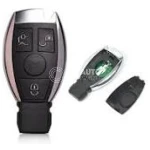
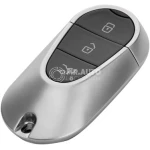
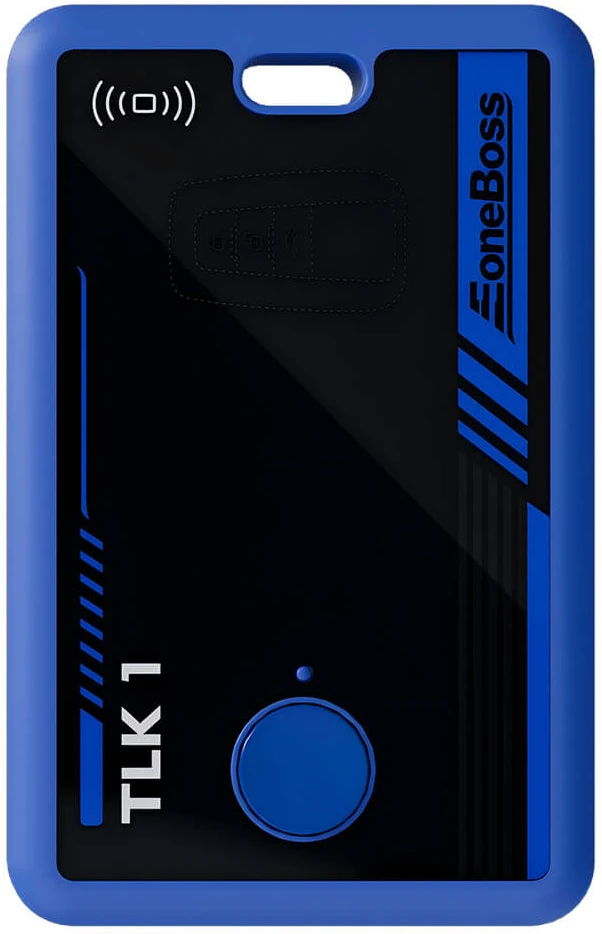
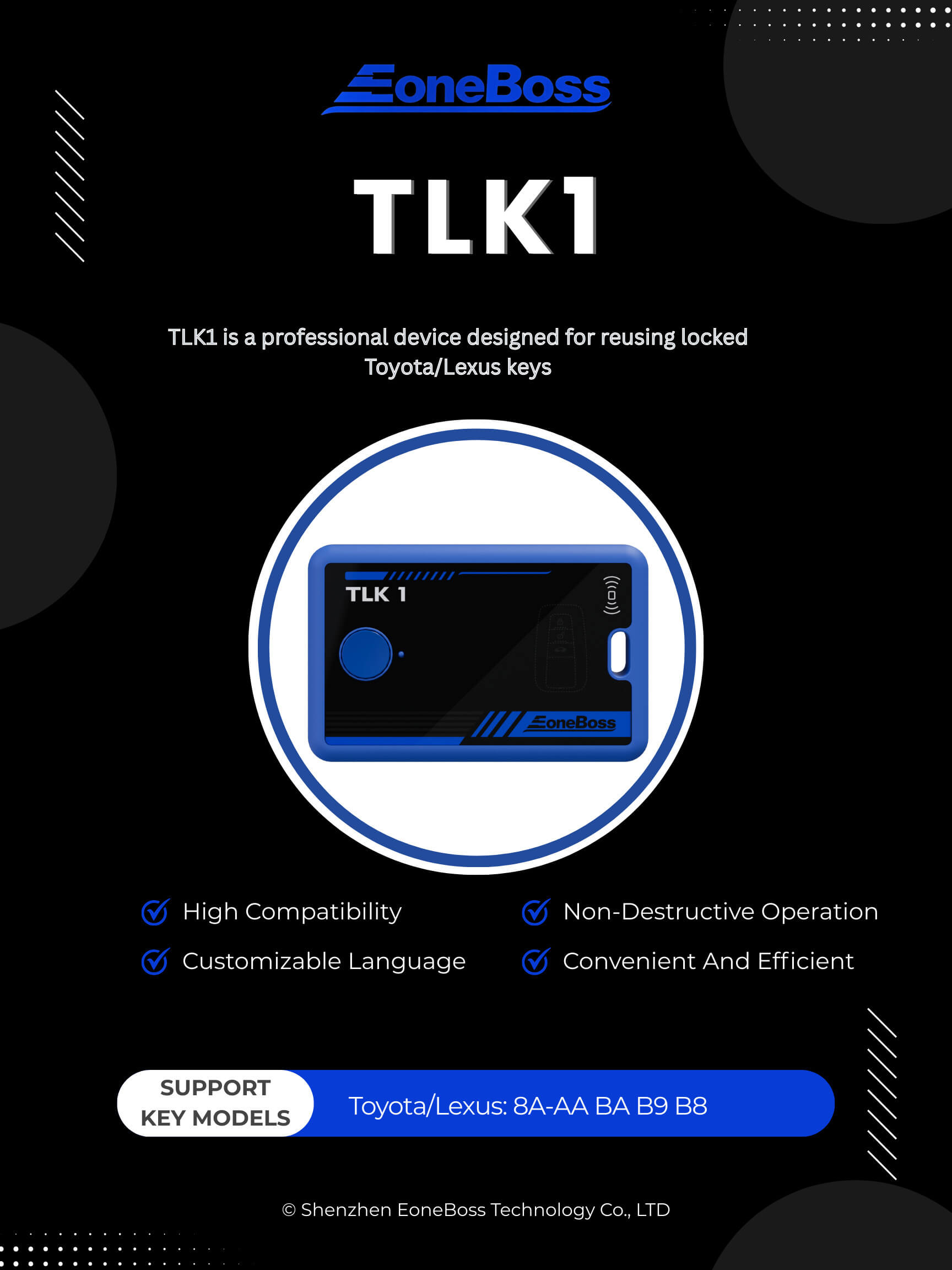
The TLK1 is a professional device designed for reusing locked Toyota/Lexus keys. Through innovative technology, it allows direct matching of used keys without unlocking them, significantly improving key reuse efficiency and reducing overall costs.
Parameters
Manufacturer
EoneBoss
Dimensions
61.5×96.5×12.5mm
Packing Dimensions
136x 78.5×17.5mm
Material
ABS environmental protection material
Input Interface
USB Type-C
Core Chip
BLE 5.0 MCU with 32-bit ARM Cortex-M4F + Cortex-M0 dual cores
Battery Capacity (with battery version)
3.7V, 450mAh
Bluetooth
Single-mode BLE 5.0
Wireless Frequency Band
2.4GHz and 134.2KHz
Input Voltage
5V DC, 500mA
RF Transceiver
High sensitivity (-94dBm@BLE)
Transmitter Power
Up to +3 dBm
Working Temperature
-10°C~50° C
Storage Temperature
-20°C~70°C
Technical Background
When a locked key is reused, the typical process involves unlocking and resetting it to a blank state. However, certain Toyota/Lexus key models cannot be refreshed due to unique encryption mechanisms. To address these challenges, the TLK1 device employs a breakthrough solution.
Core Advantages
High Compatibility: Works with any brand or model of device without hardware limitations. Non-Destructive Operation: Uses non-invasive technology; no need to open, weld, or unlock the key, thereby preserving its integrity. Convenient and Efficient: Standardized operating procedures simplify usage. No complex technical training is required. Customizable Language: English is the default language. Other languages can be provided upon request.
Support Key Models
Toyota/Lexus: 8A-AA BA B9 B8
Function Introduction
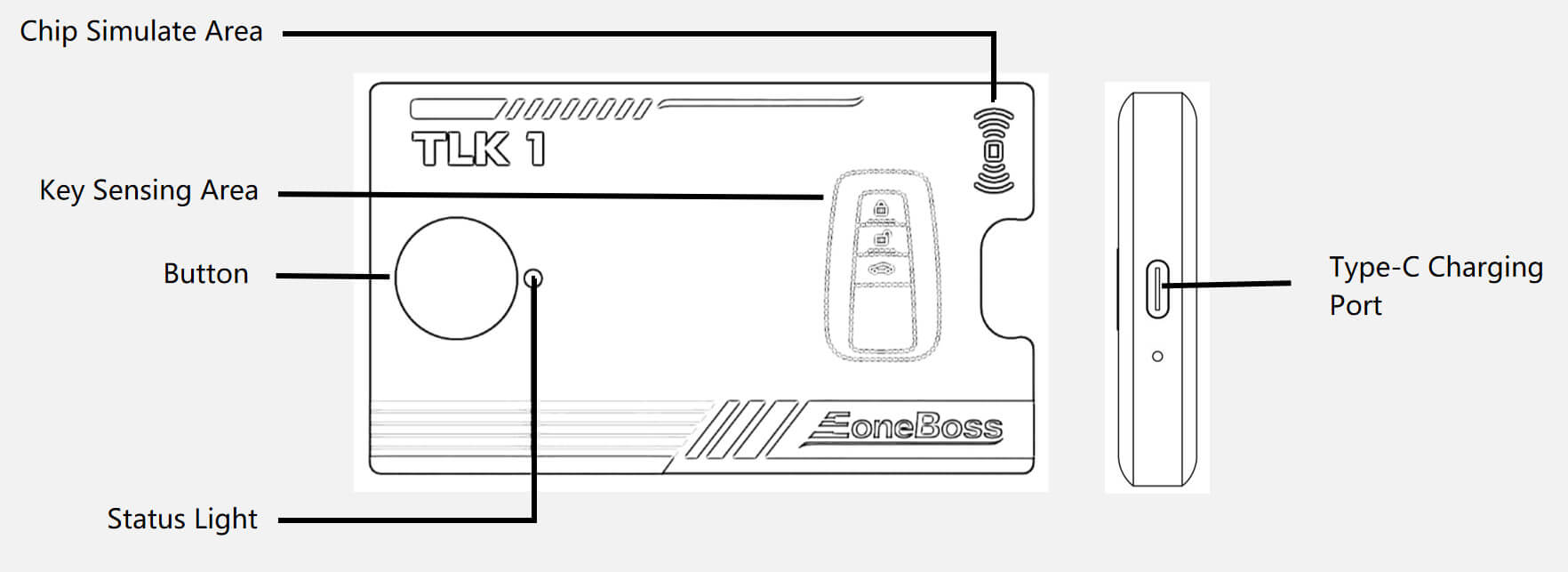
Status Light Indicators Description of corresponding functions Green (solid): Device is connected and charging Red (solid): Voice broadcast mode with real-time status updates Flashing: Device is performing core operations (read, match, write) Button Functions Power On/Off: Long press (~3 seconds) to toggle power Status Inquiry: Short press while powered on to hear current operation via voice prompt Reset: Long press (~5 seconds) to reset the device Power Options Battery-Free Version: Requires 5 V / 500 mA power supply during operation Battery Version: Includes a built-in 3.7 V, 450 mAh battery; supports simultaneous charging and use. Defaults to external power and switches to battery when needed Compatible Power Sources Can be powered by mobile phone chargers, computers (USB), power banks, and standard 5 V adapters
Operation Instructions
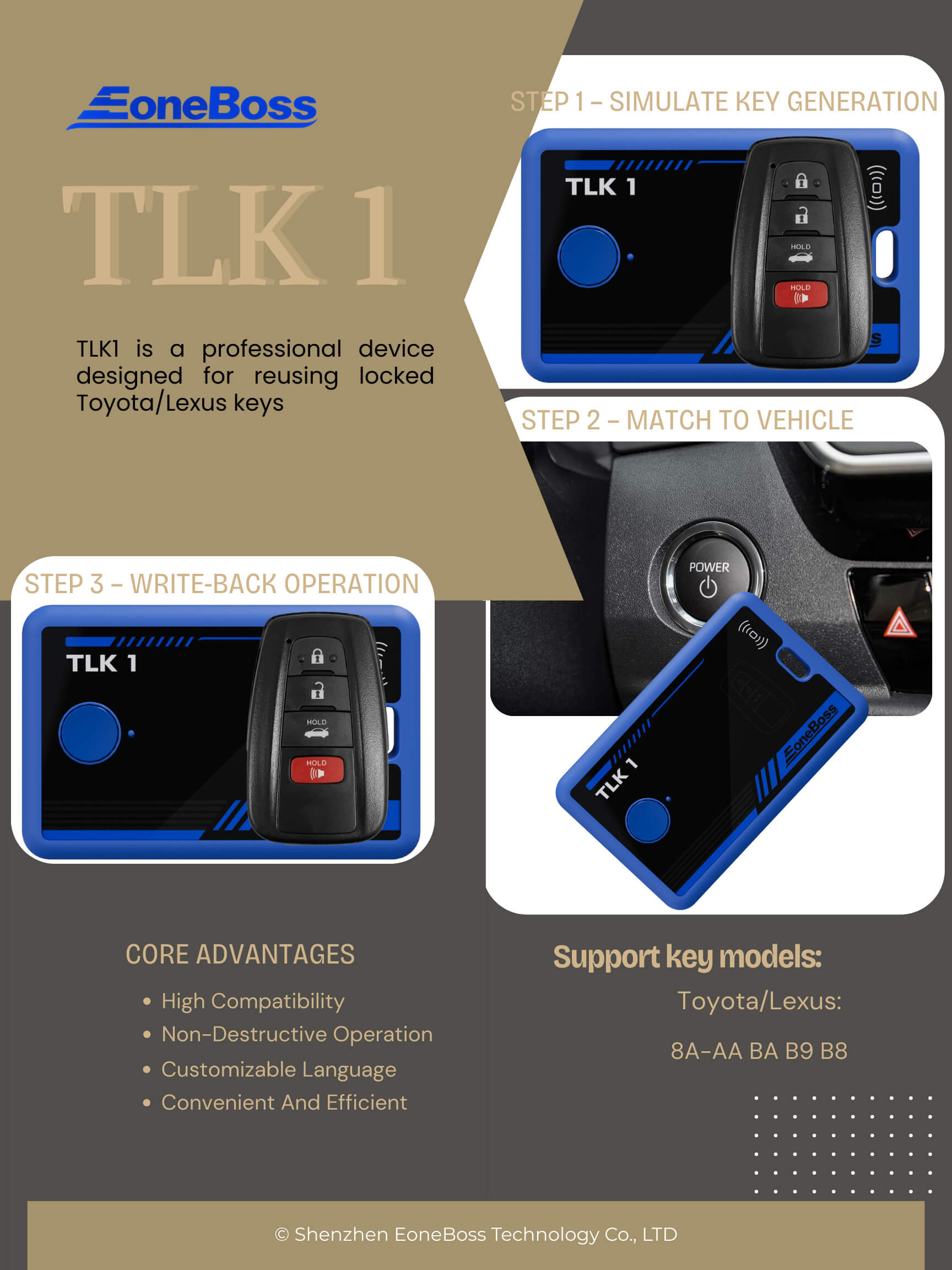
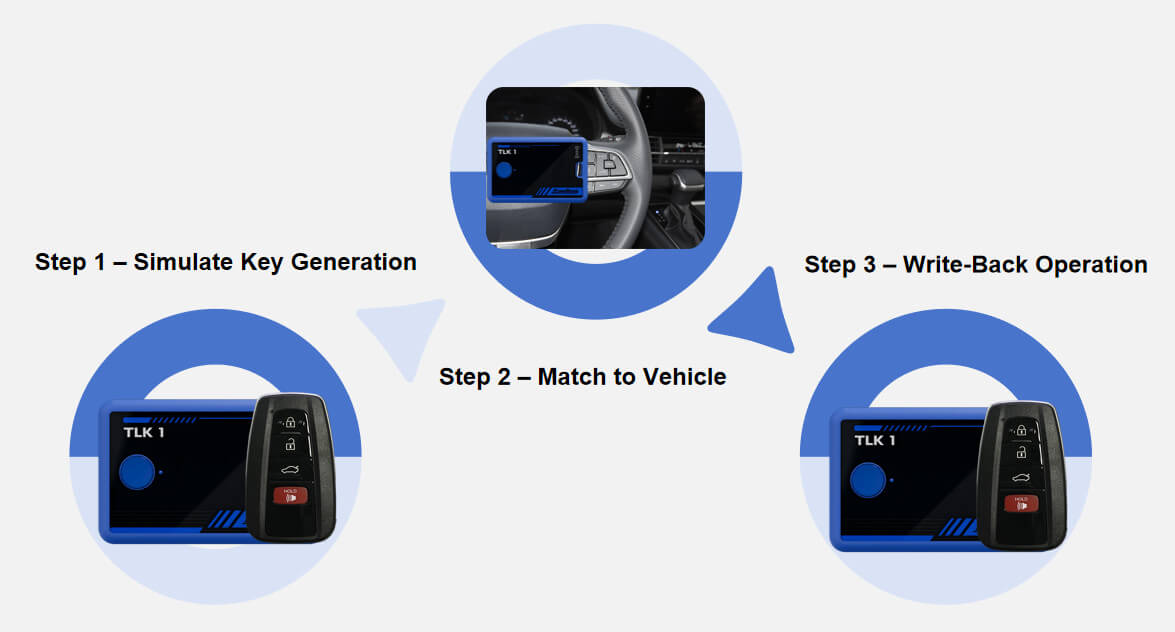
Step 1 – Simulate Key Generation Place the accidentally deleted or locked key in the TLK1 sensing area and press the button. TLK1 will read the secure identifier (e.g., key ID) and simulate a matching key using internal data.
Step 2 – Match to Vehicle Use the TLK1 as a replacement key during the vehicle matching process. The device writes key ID and other information into the vehicle’s system while storing key-related data such as passwords.
Step 3 – Write-Back Operation After successfully retrieving the data, TLK1 writes the complete key information back to the original locked key, reactivating it. Step 4 – Final Confirmation Once the update is complete, test the key to ensure all functions are working. Programming is now complete.




 Optimized by Seraphinite Accelerator